Modify to Personalize

It never fails! There is a picture of a loved one that you want to use (whether for a gift, a wedding, various other reasons), BUT the background just ruins the picture. Do not fear! This post is for you.

Standard phone picture

My son has seen me make a few shadow boxes for gifts and what he wanted to gift more than anything else was a shadow box of him and his BFF for her upcoming birthday. The best, and most recent, picture that I have of them is of course the one that had a pile of yard waste behind them. Fortunately, I have a trick or two up my sleeve.

Background removed and a new back ground added

There are a few good free online programs that you can use to remove your background. For this particular project, I used Remove BG, because they’ve always offered a good selection of different backgrounds with three different blur settings. If my count is correct, there are 93 as of the time of writing this post. And the best part is that you do not have to be computer suave to change your back ground. All you have to do is upload the picture and hit “remove background”. You will have the focal point of the photo on a checkered background. You can then superimpose this image on any photo you have or you can hit “Edit” to add a background from this program.

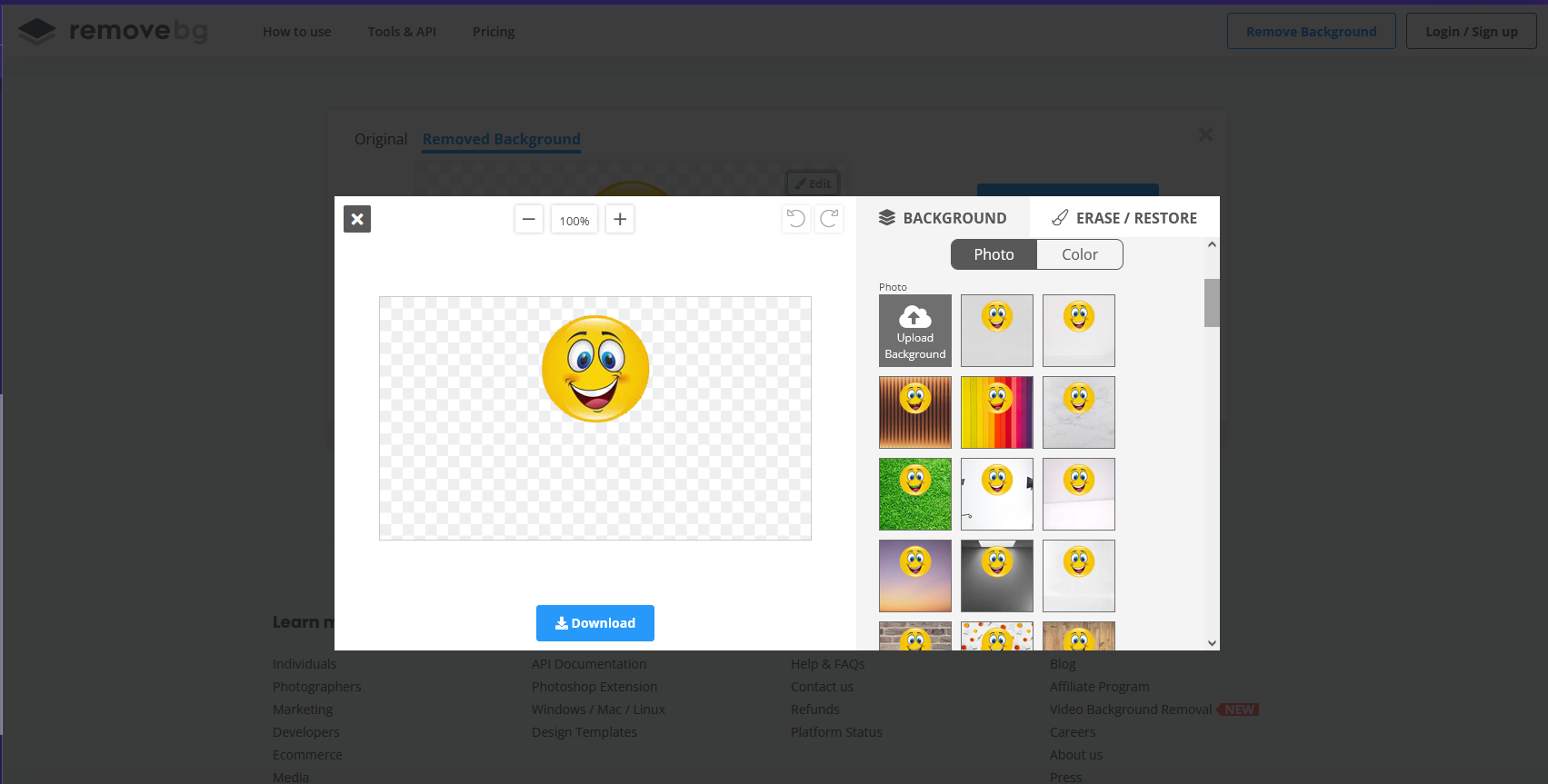
Once I downloaded the picture, with new background, there was one additional step I needed to take before submitting my picture online to print and pick up at my local photo department. From the photo editor that came standard on my computer, I resized my picture to a larger file size. (I had gotten the error message, online, saying that I had low resolution.) With this larger file size, I was able to submit my photo. And it printed exactly as you see above. We’re not talking professional quality, but perfect for this project.

While we waited for the 5 x 7 print for my 6 x 6 shadow box, I designed a layered cloud shadow box mat to make the print fit seamlessly in the shadow box. BFF Shadow Box can be found here. My son added glitter to the second layer and chose the font, text, and vinyl choice. My about to be six year old was so disappointed that he couldn’t do the shadow box from start to finish, but he has no idea just how much he did create in the design. So in honor of the work he did, all proceeds from the sale of this cut file will go to my partner orphanage in Rwanda for the education of the students there.

For assembling the shadow box, I started by attaching the 36″ fairy lights, with hot glue, to the back panel of the shadow box.
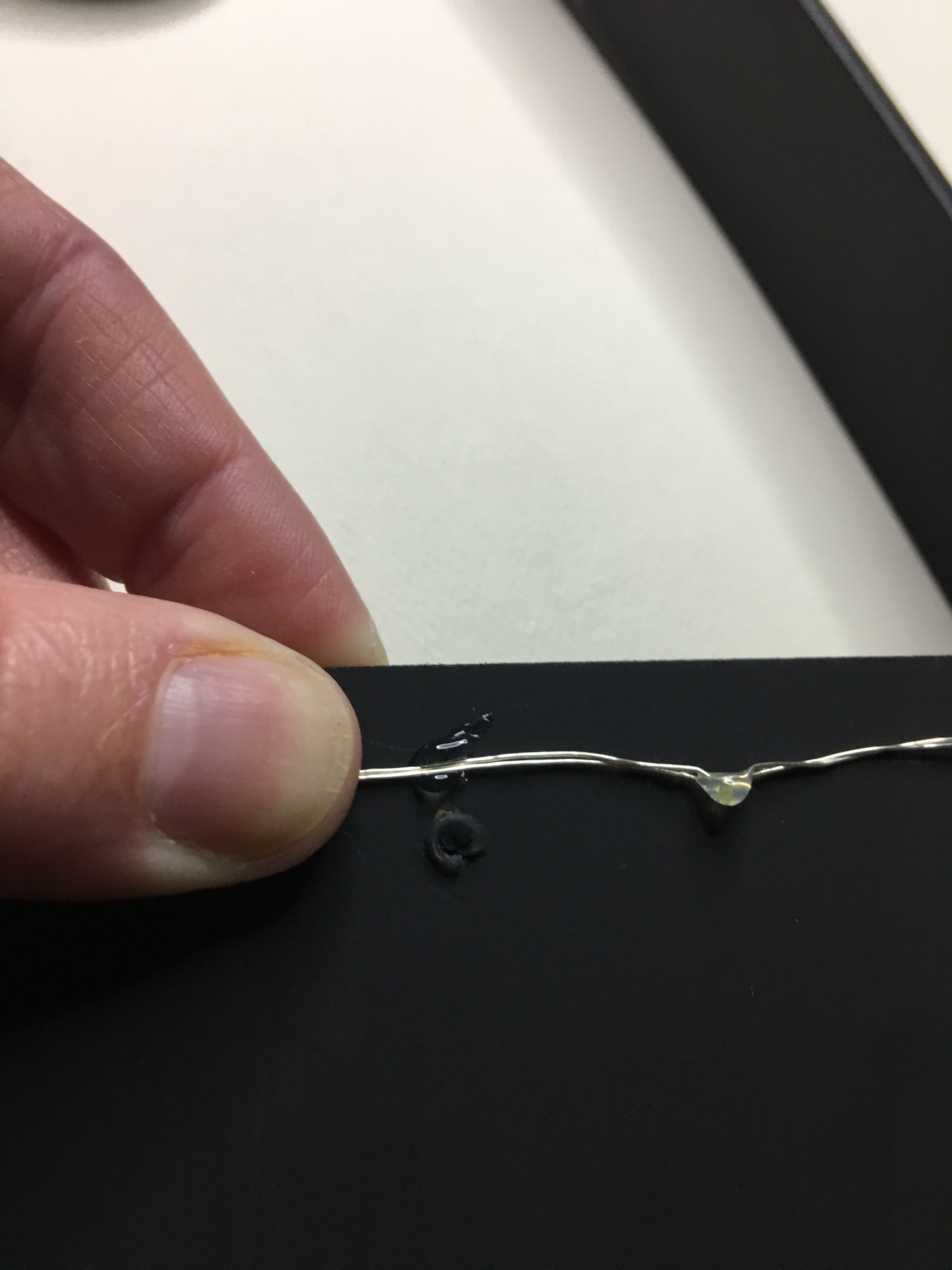
Many shadow boxes have a finish where you can attach the lights to the inside side and top/bottom panels so you can have the lights shine through the layers. This particular shadow box has a wax like finish and the glue would not adhere. The back panel was brown and I had painted with black matte chalk paint. The hot glue loves this paint that I had no problem attaching for a back light.

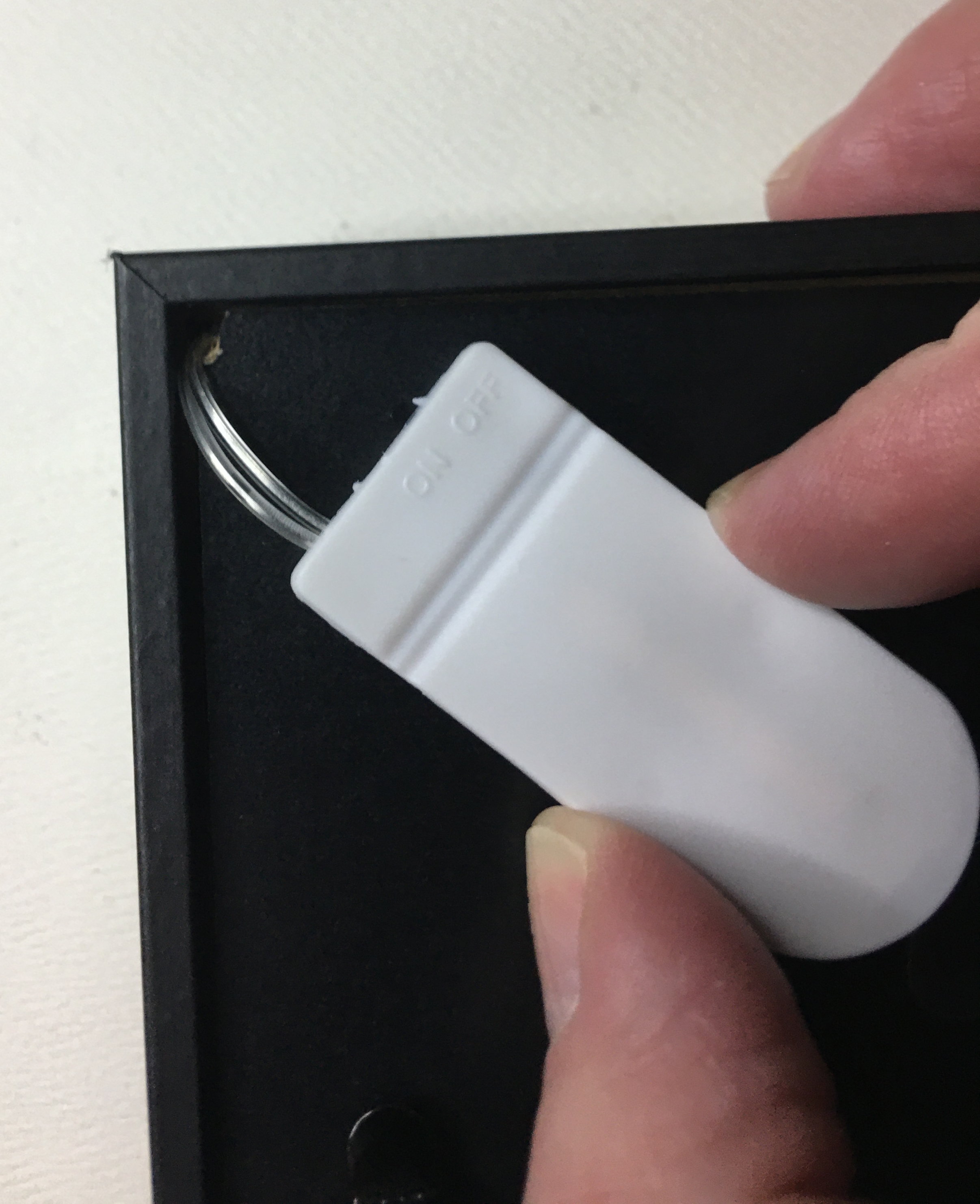
With battery pack lights there are two options for how you mount the switch. This particular shadow box had a slot in the top for coin deposits. For wall mounting, or if you plan to decorate the top of the frame, this is a great option. However the kids I’ve gifted shadow boxes to have enjoyed having the ability to sit the frame on a table top so they can turn it on and off as they please. For this reason, I prefer the second option for a hidden switch. All that I had to do was take an X-Acto knife to the bottom corner of the back panel (where the battery pack was nearest glued to) and cut out a small notch. Then I hot glue the battery pack to the back panel. Make sure the screw side is out so that battery changes can be made without taking the pack off.
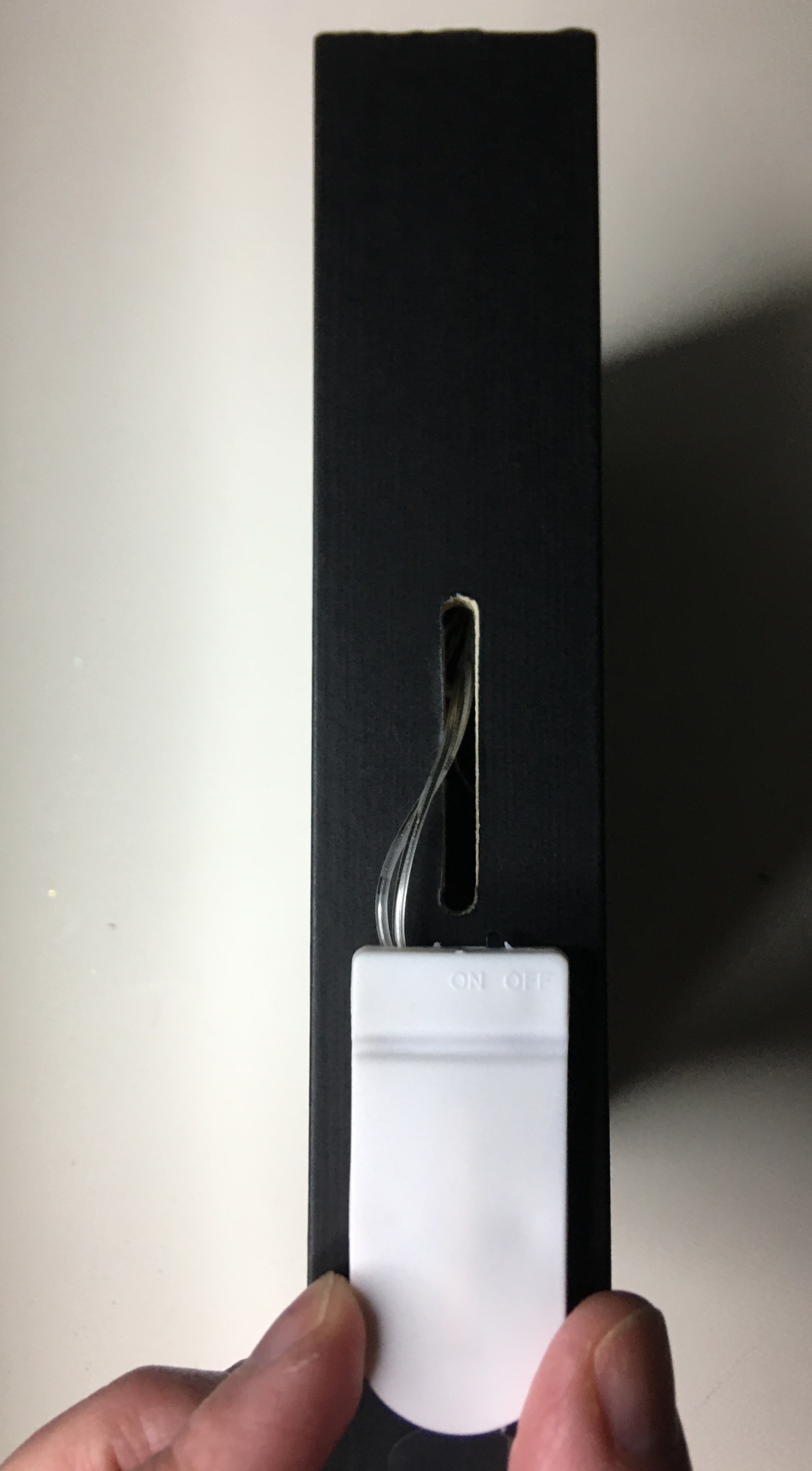
Once the lights are secured, I turned my attention to the shadow box layers. 1/4″ raised adhesive tape is perfect to attack the two cloud layers and photo. The depth that you see in the final product is actually from two layers of the raised tape stacked on each other.

All the prep work is finished. The vinyl text is applied to the outside of the glass. Place the cloud layers inside the shadow box. Then close the box up by placing the back panel.

This project is perfect for birthdays, weddings, showers, and celebration of life. And now that you know how to remove backgrounds, you can now use your favorite photos that you thought was unusable because of what was in the background.

If you have any questions on how to do this project, or want to know how to do some other project, please leave a comment below or email me at info@pacificnorthwesteventdesigns.com

See you next week!

Processing…
Success! You're on the list.

From Iron to Press

This past week I was following a Facebook Group dedicated to Brides who are DIYing their wedding. And my heart went out to several of these ladies. I remember DIYing my wedding and clearly remember the stress of putting together something beautiful and feeling that dreaded time crunch. It was difficult to cut that stress and maintain some proper brain function to problem solve. Sometimes it was just the lack of sleep that amplified the struggle a little more.

So Brides, if you are struggling with Heat Transfer Vinyl (HTV), this week is for you. And if you’re a crafter, new to HTV, you will enjoy some insight between tools and how they stack up with application.

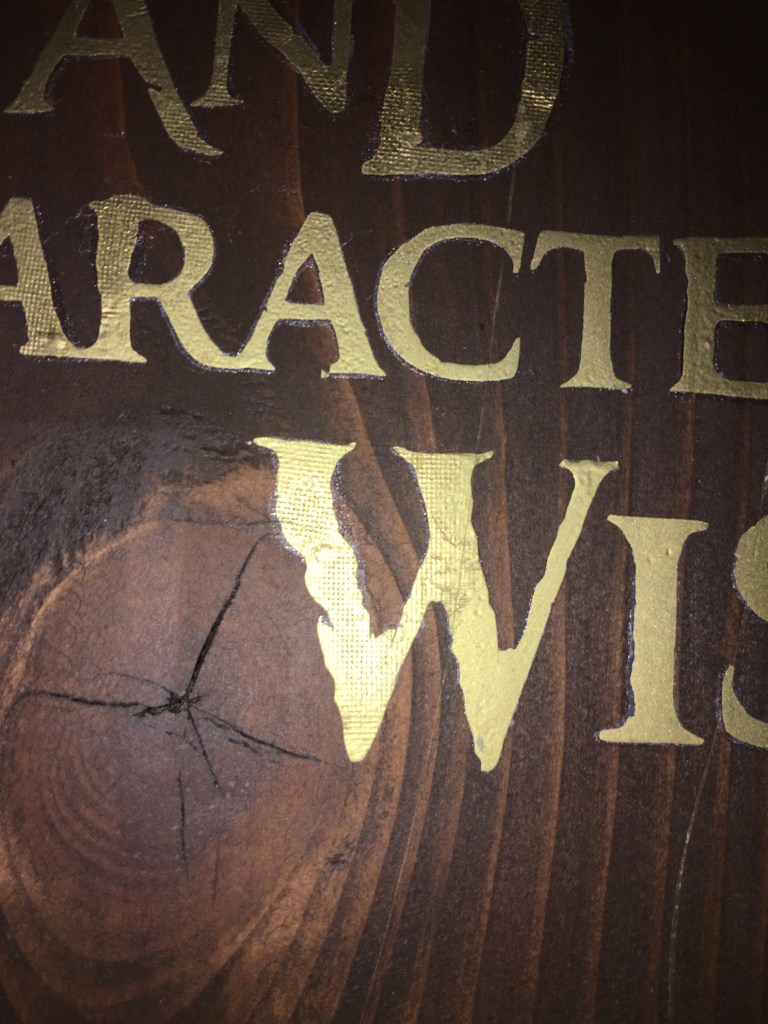
There are two common problems with HTV that can be daunting if you don’t know the cause. One is movement of HTV while pressing. The other is a halo around your words or image. (You may need to zoom in on the wood sign photos to get a clearer visual on what I’m talking about.)

Your HTV Moves

There are a couple of different reasons why your HTV moves. Depending on the material you’re using, the carrier sheet might not be tacky enough to hold it in place. For example, this picture was from my first attempt to applying HTV to wood. There was just not much for the carrier sheet to grab onto. I sanded that wood down smooth and stained it. So think of it like you standing on a sheet of ice. Yes, you can stand in place on ice. But the moment there is a force that comes against you (wind, another person touching you), you’re going to move. With nothing to grip to, chances are your carrier sheet is going to shift on you once you start to press.

Solution One: position your carrier sheet and secure it in place with painter’s or masking tape. But make sure that you are not ironing or pressing over the tape, the heat will cause the adhesive to stick to your project. If you need to have your heat source on top of your tape, use teflon tape. This tape was designed to be pressed without depositing adhesive. (Tip: I always dog ear the ends of my teflon tape so I don’t have to dig and fight to pull the tape off.)

Another reason why HTV shifts is from the movement you apply before the vinyl has time to adhere to your project surface. This tends to be the most likely cause of shift for DIY Brides. Chances are you are using an iron because that is the heat tool you have on hand and saves you to money to use elsewhere.

I also used an iron for the first 4 months that I began using HTV.

Solution Two: prevent your iron from shifting your HTV by lowering and raising your iron straight down and up. I know this seem contrary to what you read from other writers who talk about how the iron does not have uniform heat. This is true. The iron doesn’t have uniform heat. Your steam chanels won’t adhere your vinyl. And if you forget to turn your steam off, it will also warp the vinyl.

The best results with an iron came when I place my iron straight on, press down with maximum pressure for about 5 seconds. Lift straight up and move to the next section. Place straight down and press with maximum pressure for 5 seconds. Repeat until you’ve given your whole vinyl this initial press. By doing this, your vinyl has a great initial contact and gives you a little more freedom to glide your iron over a single spot. When I say glide, I mean remove all your pressure and slide the iron over to your new spot with the amount of pressure of you using a finger or two to push your iron over. If you iron your vinyl like you iron your shirt, the vinyl is going to shift. But you do have to move your iron to make sure you get a smooth application.

Using an iron takes far longer than the 15-30 seconds promised on packaging and websites. That is the recommended press times for heat presses. However, if you take the extra time to minimize shifting, you will definitely get an excellent quality that no one will ever guess that you used your clothing iron to apply.

(If you find that your vinyl is not secure, so you see the grains of fabric of your material, you will need to go back through and maximize press again. Follow it up with another gentle glide and you’ll keep everything looking smooth.)

I use this same process when I apply HTV onto a wood project; maximized pressure followed with a gentle glide (even with a mini press).

Alternate Heating Sources

There are the three types of heat sources that I have used with HTV.

Not my photo. This is not an endorsement, nor am I promoter of this iron. This is a stock photo by Pixabay on Pexels.com

The iron is not my favorite but I have to admit that this is where I started. I have no regrets. And I value my experience at this stage in my HTV crafting.

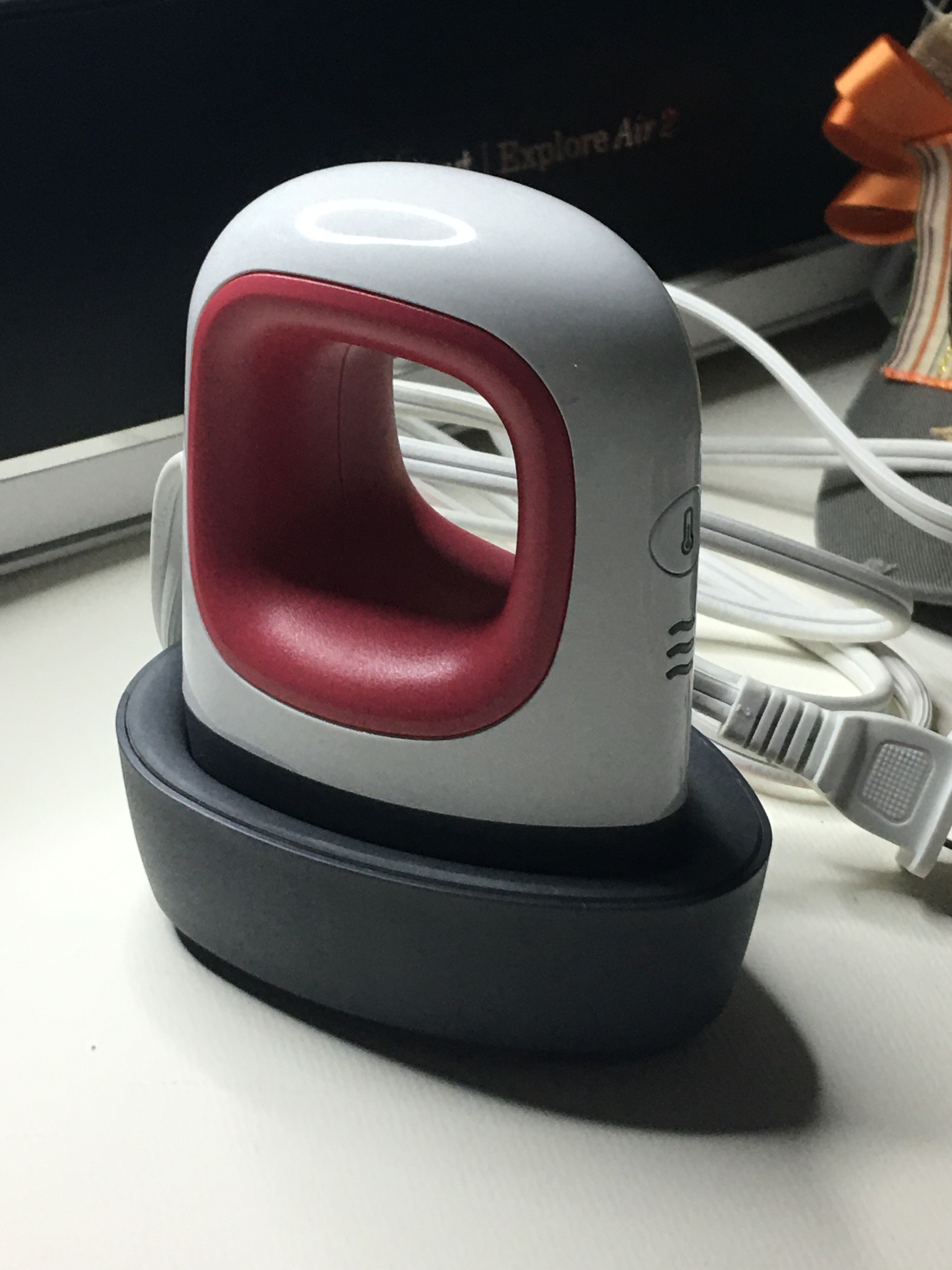
From there, I moved up to the mini press. I cannot tell you how excited and happy I was for this new tool. I didn’t have the fun money to spend for anything more elaborate, but I remembered how this was a game changer for me. One shirt took me 5-7 minutes to press with an iron. The mini press brought that time down to about 3 minutes.

When I had the opportunity, I invest in my 12 x 15 inch heat press. And it quickly became my heating source of choice for everything. I use it for clothes, canvas art, small thin wood… if I know it won’t melt, I use my heat press. The only time it takes me longer than a minute to press is when I’m layering my HTV.

I know many DIY Brides don’t have the budget to get the heat press for making your decor at a quicker pace. But I did want to bring to your attention that if you are stressing over the time it is taking you to press your HTV with an iron, there are other options available. And they do come with the added bonus of eliminating the problem of your HTV shifting on you.

Halo or Ghosting Effect

If you look closely you will see the around all of the letters that there is a halo next to the gold vinyl. This is actually the HTV adhesive that has been exposed because the vinyl shrunk under the heat. Translation, my mini press could have been lowered to medium heat and I should have pressed for less time. I over compensated because this was my first time using HTV on wood. I wanted to make sure that the vinyl was going to stick forever.

Every Bride wants the details to be perfect, right down to not seeing that halo around the HTV that you applied to your decorations. The trick to not overcompensating on the heat is that HTV will tell you if you haven’t pressed long enough. So always err on the side of not long enough and add up to 5 seconds at a time of additional pressing.

HTV is good at telling you is when it’s not “done”. When you go to peel off the carrier sheet, the HTV will stick to the carrier sheet and it just will not let go. At this point you can go a little heavy on the couple extra seconds. However if it releases from the carrier sheet but isn’t fully adhered, lower the sheet and finger press the vinyl flat, then apply just a couple more seconds. When you get the sheet to release, you may find a stray wrinkle. Just smooth it down gently with your finger tips (while the vinyl is still hot), using a feathery touch. If you’re too hard, you’ll smudge your vinyl in the opposite direction. So the the lightest contact is all the pressure you need to smooth it.

HTV is such a wonderful medium to use when personalizing decorations, clothes, and other items. At first, I know it can seem daunting, especially if you start to feel that it’s giving you some attitude and you don’t have vinyl to spare. Take a deep breath. This is going to work out. Your projects are going to be amazing.

If you have any other questions or you seem to have an issue with HTV that doesn’t seem to be caused from shifting or haloing, please reach out to me. Let’s figure this out! Because if you can see in your mind what you want to do, there is a way to get that exact image.

Processing…
Success! You're on the list.

Print Confident

Use that print vinyl without cutting remorse!

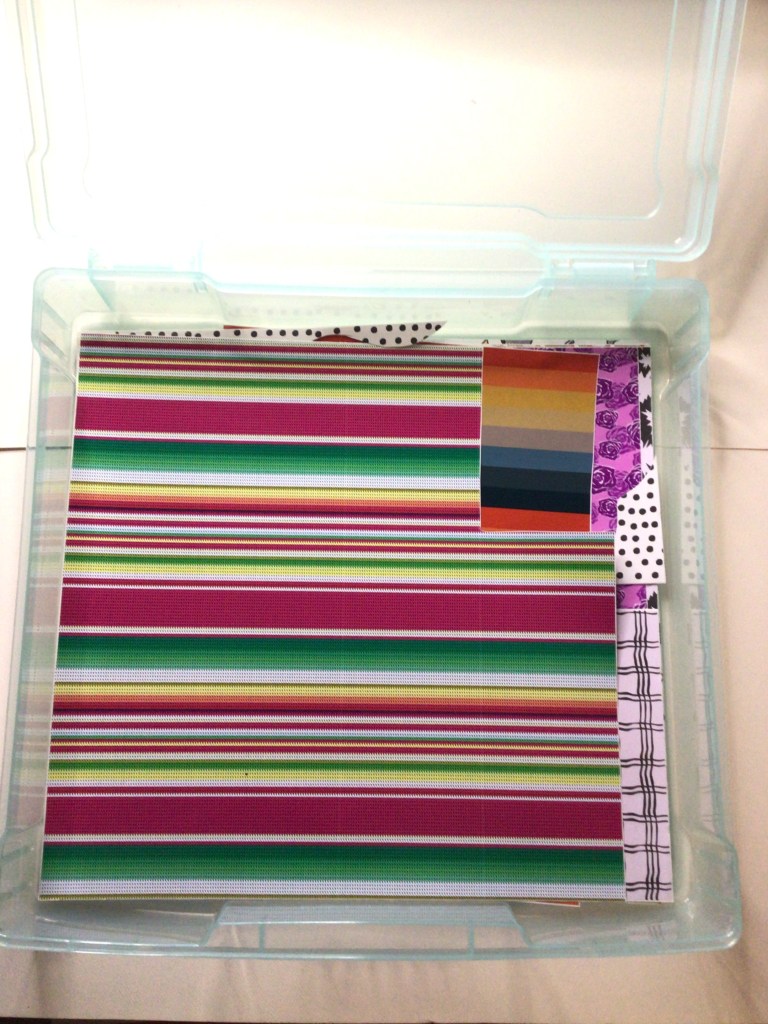
Welcome to my bin of prints!

In one of my favorite online crafting groups, we were talking about if we were print or solid crafters. It was while I was reading and commenting that I drew the connection that we probably all craft with vinyl the same way we dress. Think about it! Is your closet full of prints or solid colors? Now, think about your vinyl stash. Do you primarily have solids or prints?

Me? 1 out of every 5 vinyl bins is for print.

What’s in my closet, you ask? Solids once again grossly out number my prints!

I’m not afraid of prints. I fall in love with prints. I own prints. Just like when I’m clothes shopping, I ask “What am I going to do with that?!” In fact, I only own one item with a leopard print–boots that my mom bought me because she said I needed a little fun in my life.

I love you mom!!!!

Another truth is this. All of the print vinyl I own is because of grab bag and mystery box deals that I treated myself to. I was raised on Bon sales. (Anyone old enough to know what that means just knows!) A quick summation is that you buy the deals when you see them. And when I need a quick infusion to my vinyl it is the mystery box and grab bag deals that I go. The prices are vastly better than buying like my husband is a limitless ATM. And just like a Bon sale, you know you’re buying the end of the line vinyl, the inventory that just didn’t sell, or some other reason. Even knowing that I’m going to get vinyl I wouldn’t choose for myself, I have opened boxes and said, “What am I going to do with that!?”

Sometimes we stumble across an SVG that is perfect for that print. Or there is a gift we can make that is perfect for that baby or holiday print. But sometimes we feel stuck with something that was in a surprise box, a gift given by a well intended friend or loved one, or you must have had one too many glasses of wine while you were scrolling through the eye candy we call prints… you know what I’m talking about. It looks good at the moment and it shows up at your door and your questioning your sanity.

Here is a trick that I’m going to help you move through your print shyness or buyers remorse. Because lets face it, one print that baffles us is another crafter’s unicorn. We’re going to use the technique called Masking.

(The following steps are written for those already familiar with the Inkscape program. If you want to learn how to use this program email me at info@pacificnorthwesteventdesign.com for information on how or where to get resources. If you have any questions on these steps, do not hesitate to leave the question in the comments below and I’ll help you through the hurdle.)

Step One: Take pictures of your print

Knowing the size of your vinyl is going to help you in a couple of steps when you’re ready to mask. This is going to prevent you front distorting your image and give you an acurate read on what you’re print is going to look like when you actually go to cut.

Step Two: Square off your print

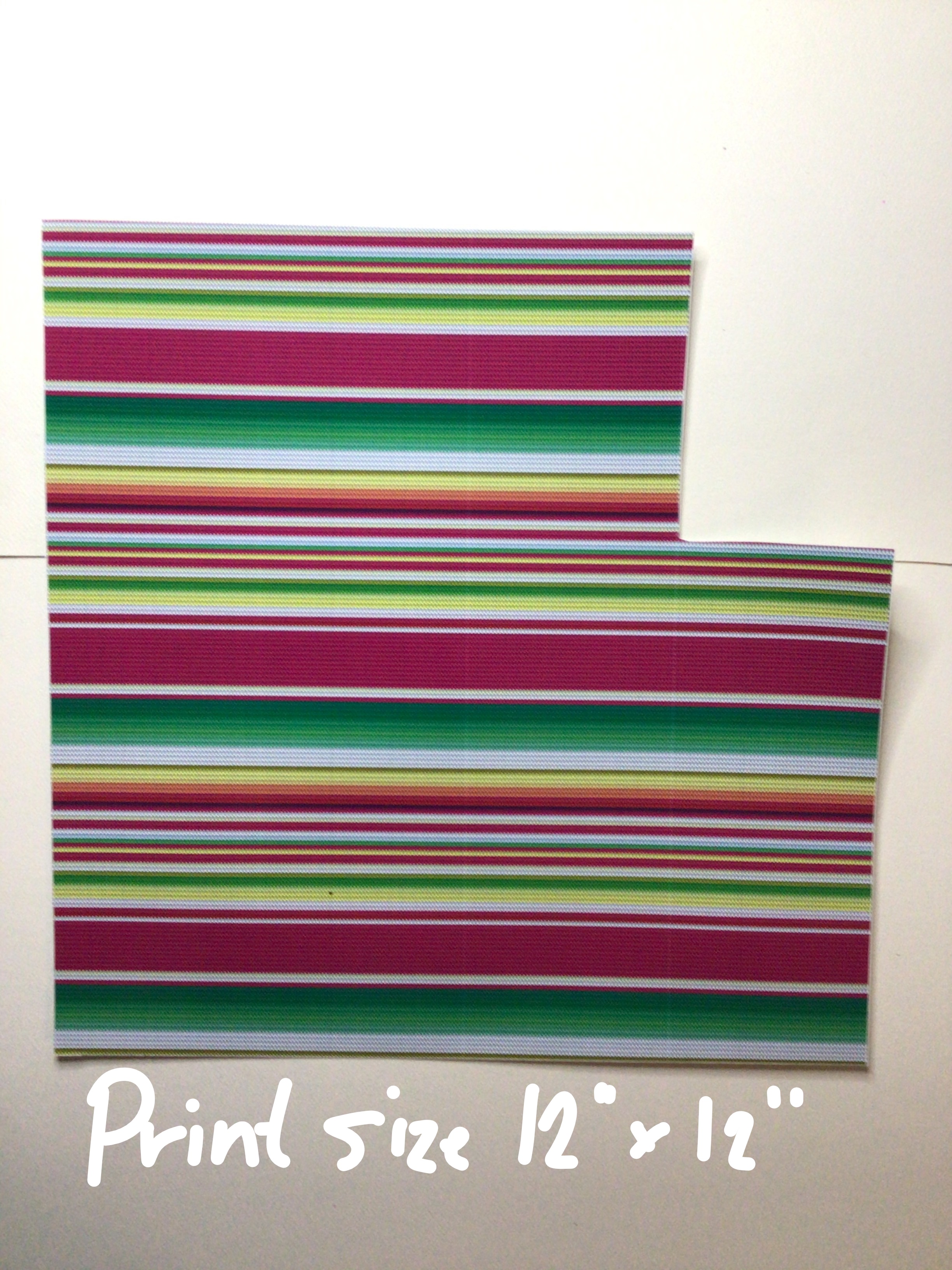
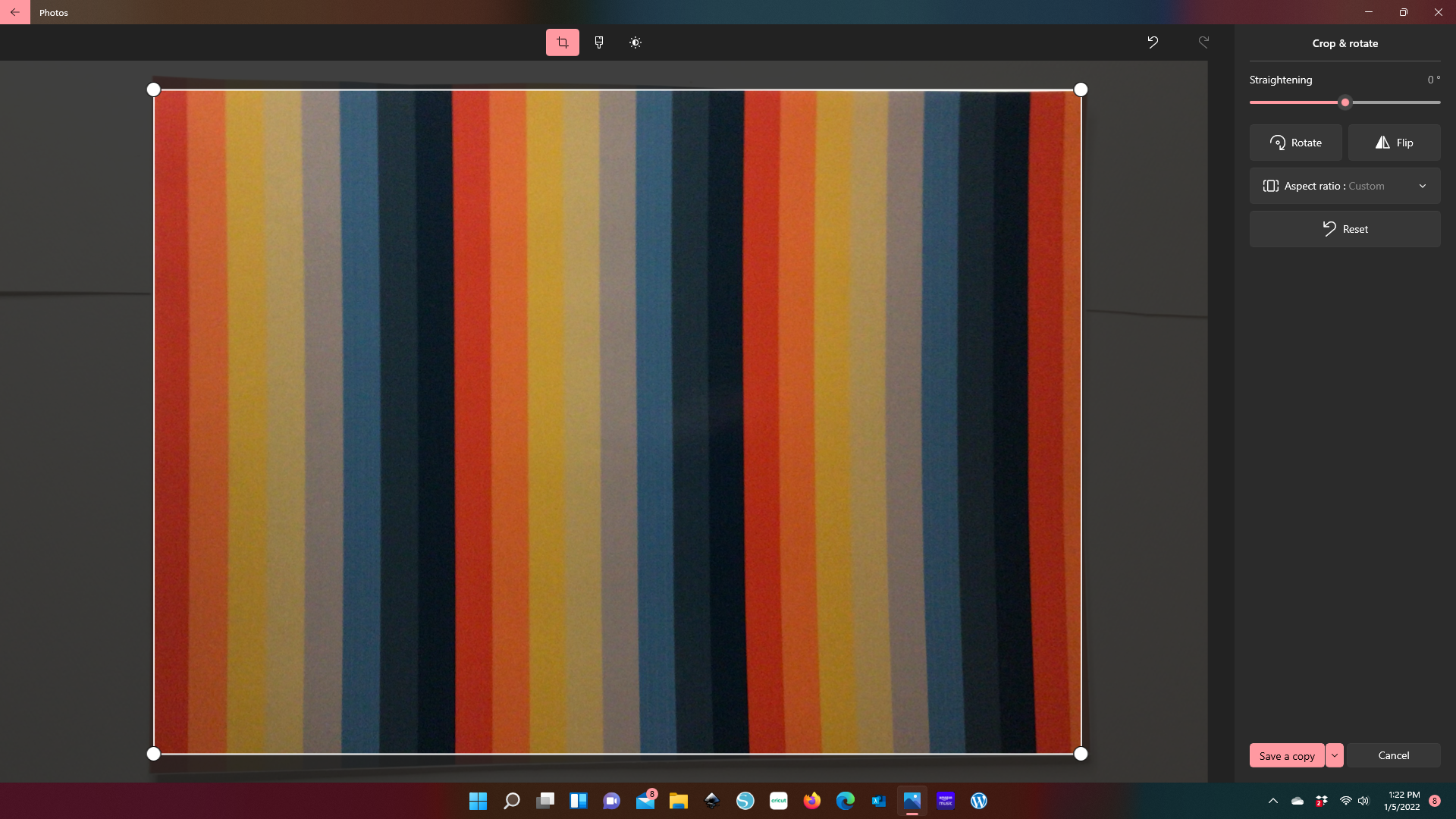
I’m not going fancy with any of these images because these images are not leaving our computer. So a quick and dirty process here is going to save you time and become a reference point for you in your crafting process. The lighting just needs to give you a close enough representation of what the print looks like and near true colors. I used my phone’s camera. And in about 5 minutes I had pictures of all my prints uploaded into my computer. You don’t need to use any fancy programs. Just the photo editor that is already in your system.

When you square off you’re edges, are just making the image look like a sheet of vinyl. You’ll see here that some of the edges didn’t make it in the resizing. That’s okay. It’s not going to make a difference in the end. The goal here is to keep thr verticle and horizontal lines as even as possible, and your print as close to its original size. In fact, I even left in the blank areas from previous projects. Because this method will help you determine if the SVG size is going to fit in your vinyl remnant. Believe me, this is going to beat pulling out the ruler and resizing your image in your cutting software.

Step Three: Save your images in a file that you can locate and pull into an editing software.

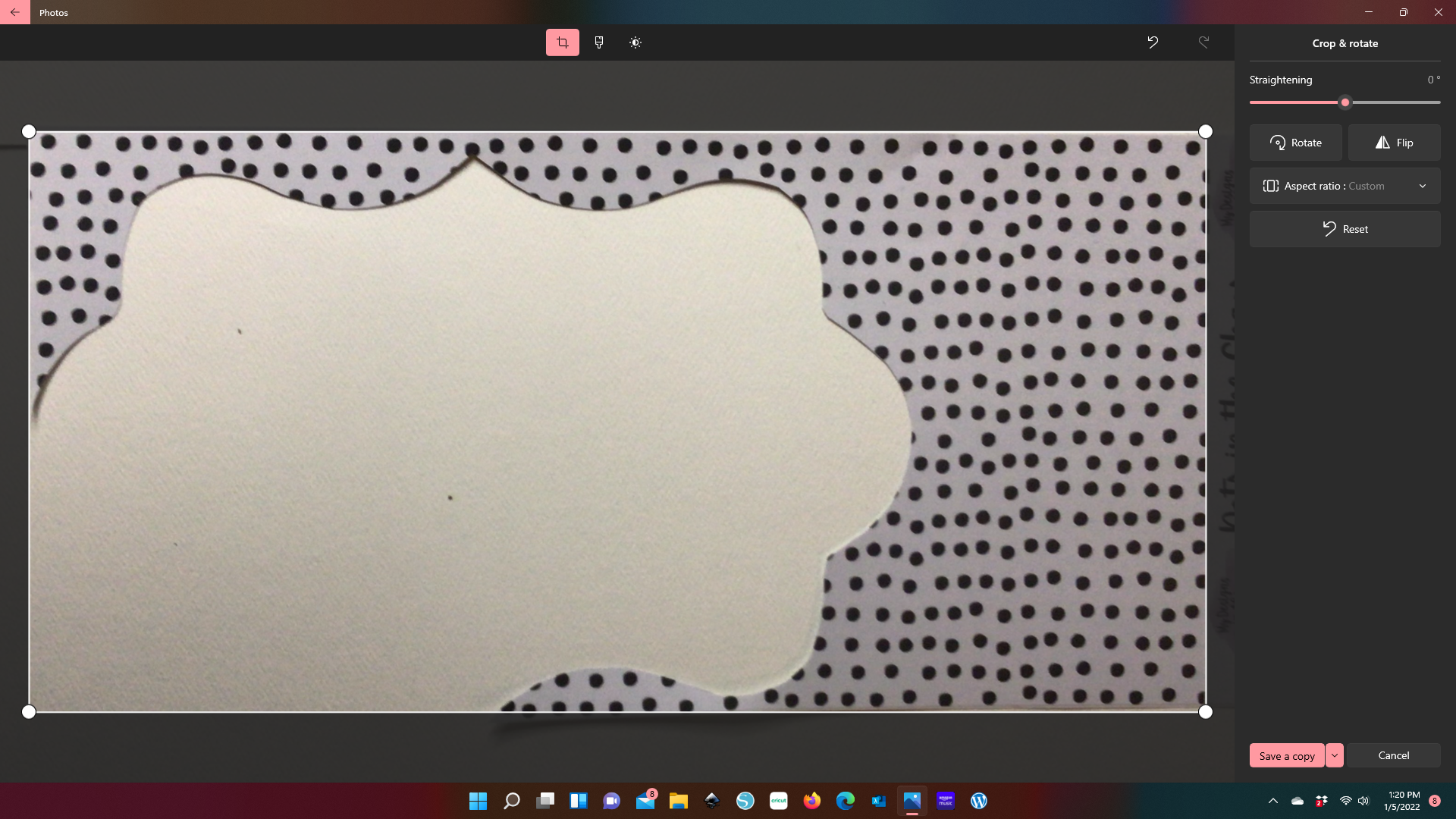
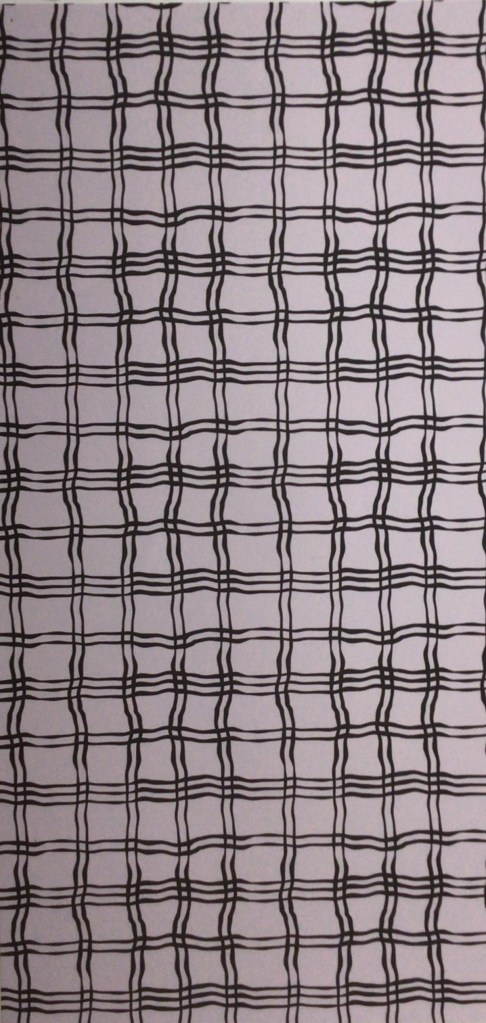
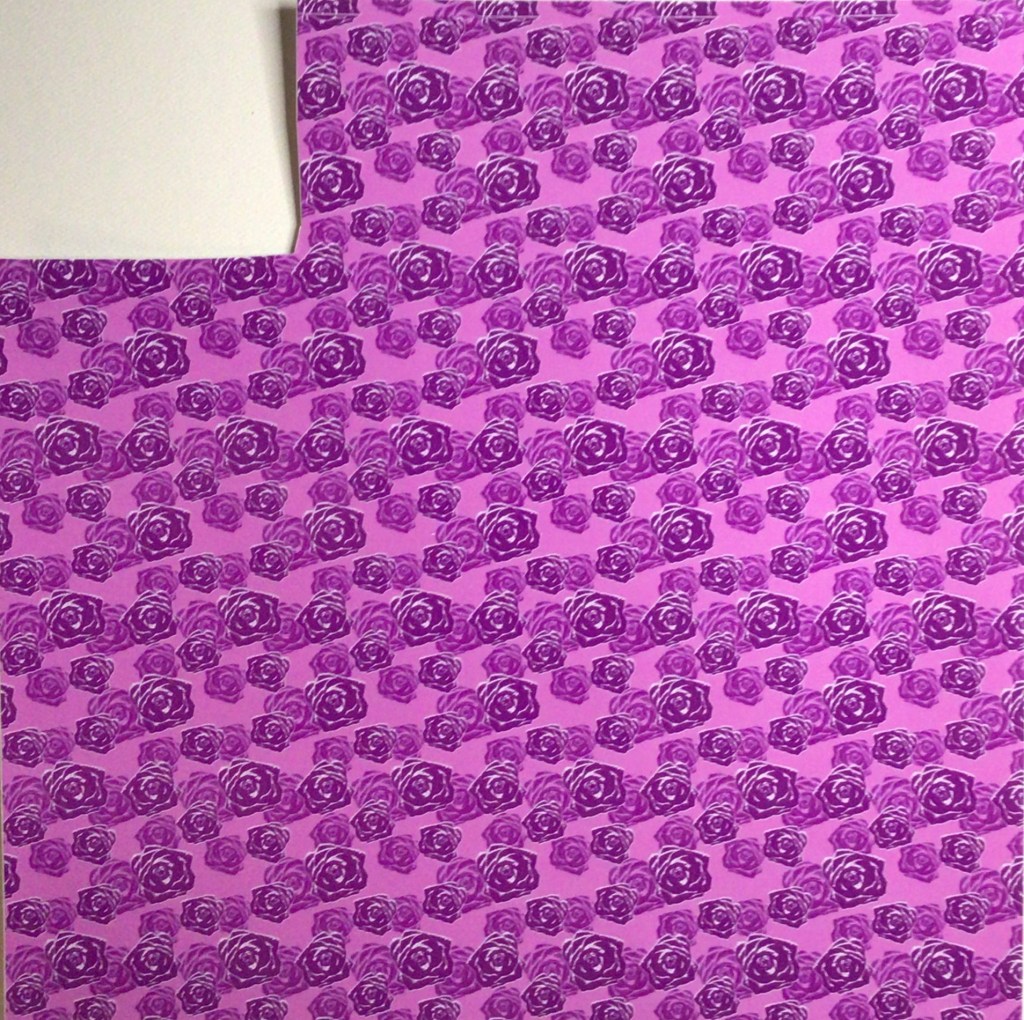
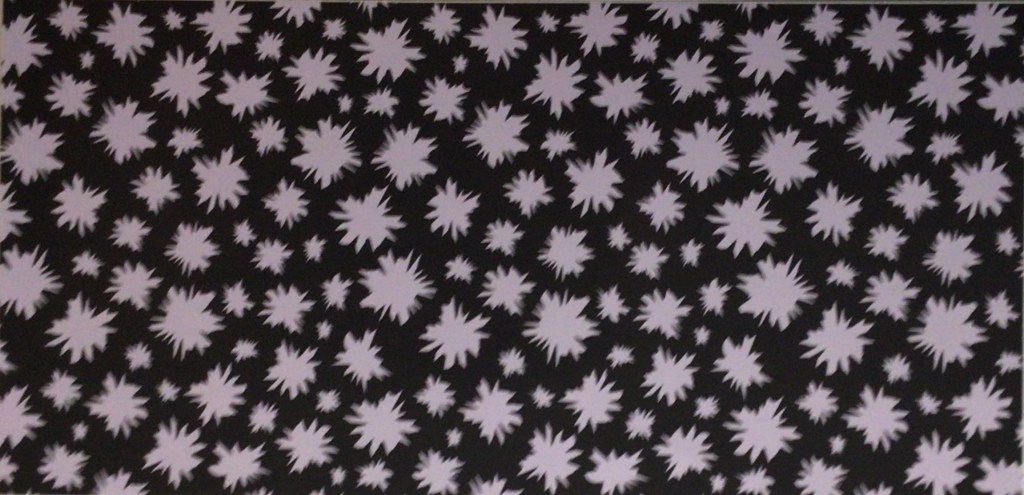
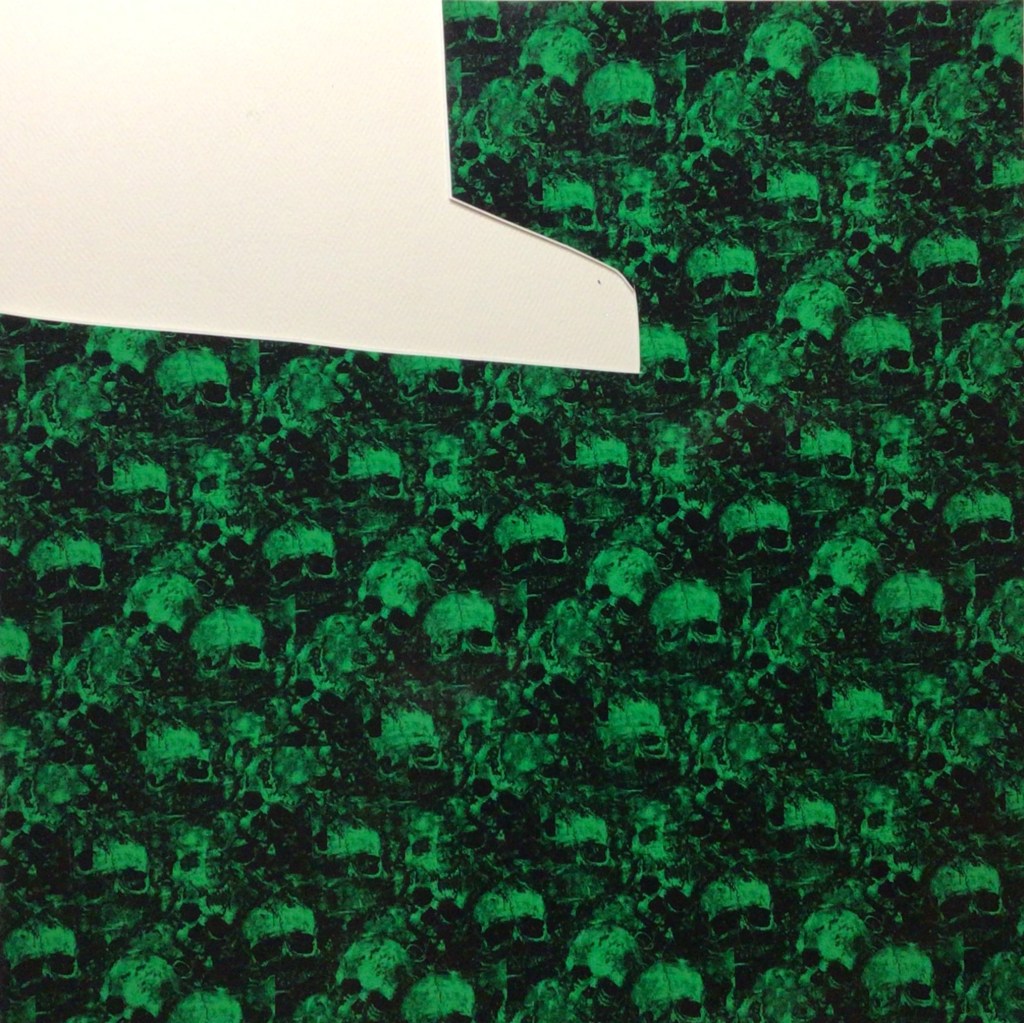
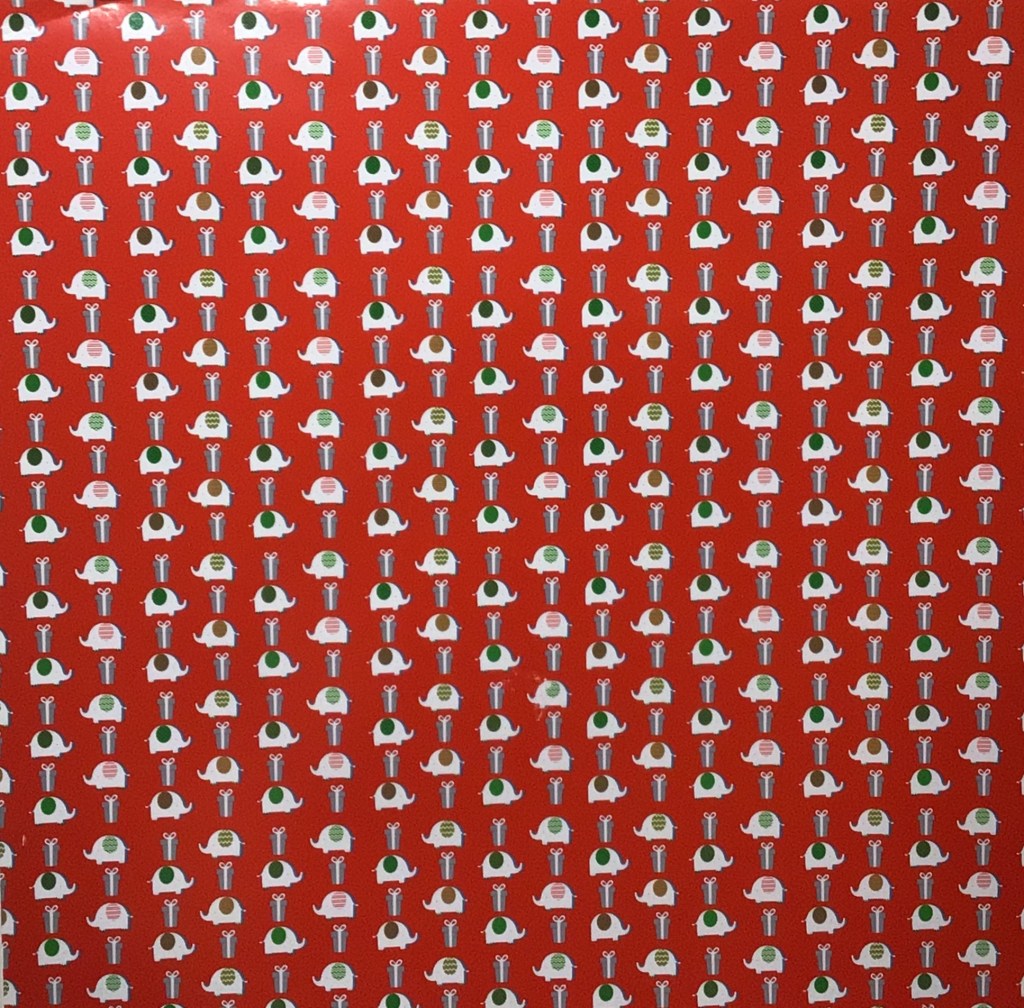
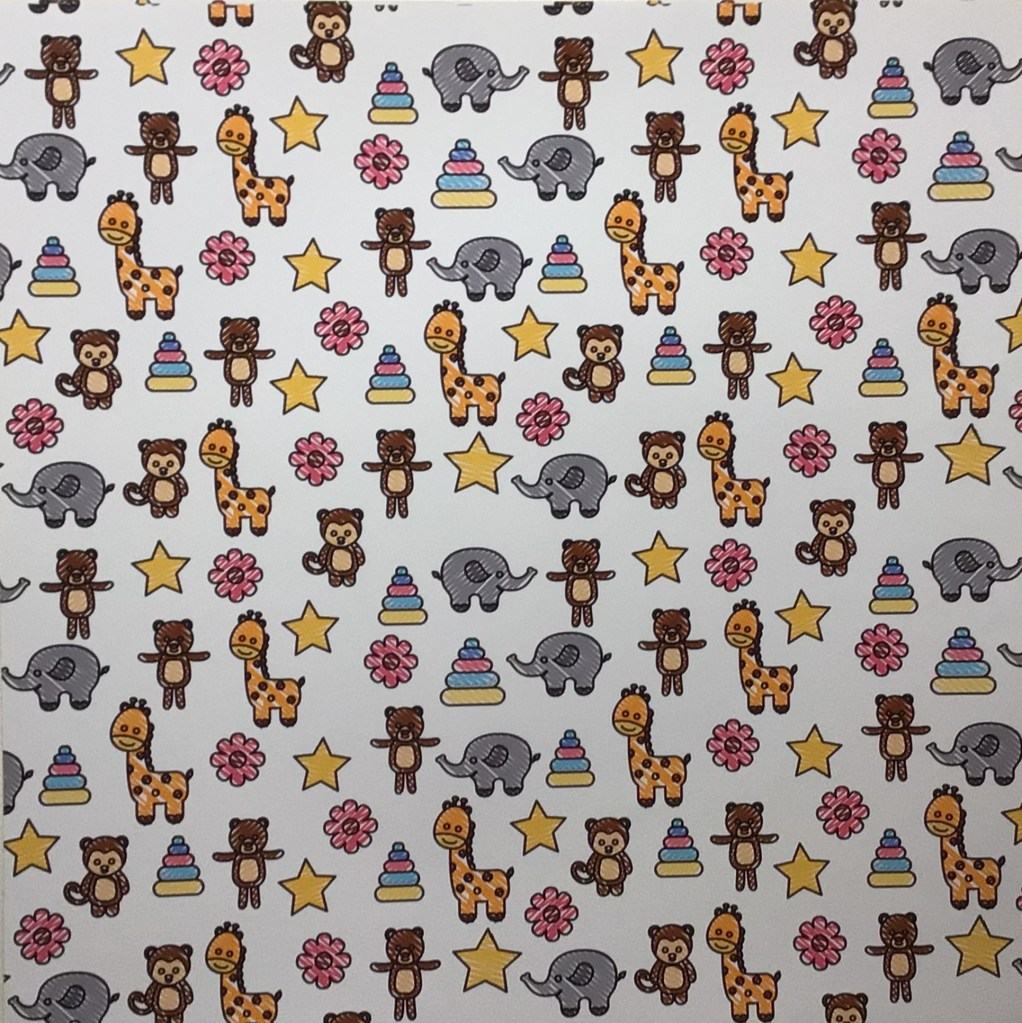
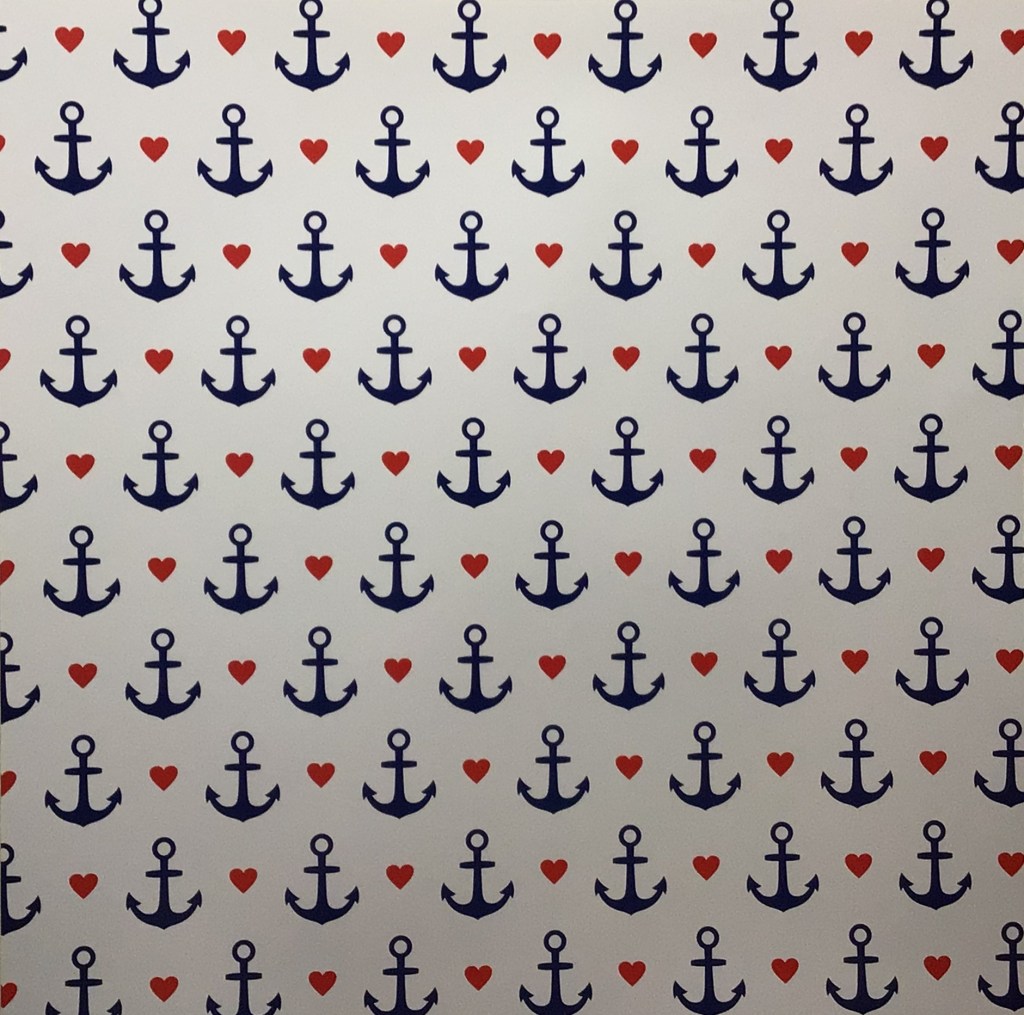
Here are the additional prints that I pulled.

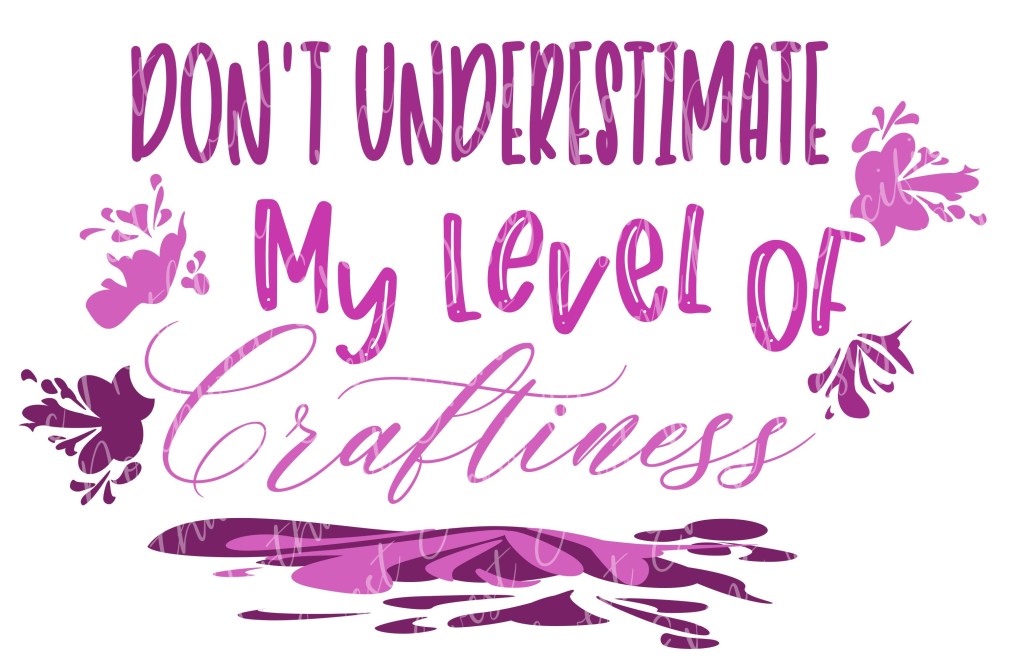
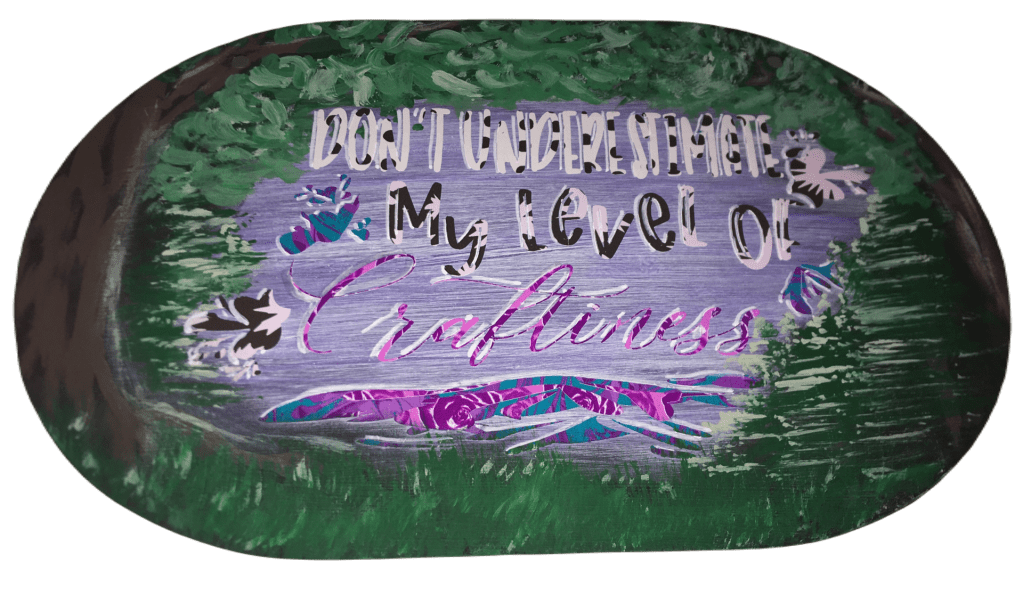
This SVG design is one that I wanteded to take further (I wasn’t feeling like solids were doing it enough justice), so I’m going to use a print to make it come to life. Obviously, this saying speaks to me.

https://pacificnorthwesteventdesign.com/products/dont-underestimate-my-level-of-craftiness
Click image to get this cut file

Step 4: Open an editing software and pull in your SVG and vinyl images.

I’m going to use Inkscape, although Adobe Illustrator can be used as well. (If you know another program that uses masking, please leave that in the comments below.) I like Inkscape because it’s a free program and it’s the one that I design in right now.

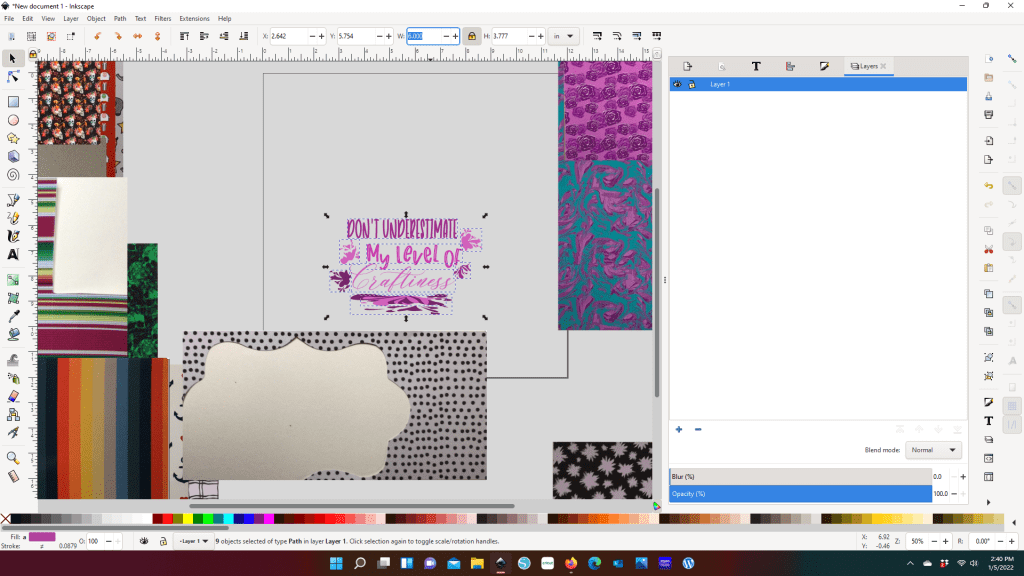
All of these images pulled in much larger than their original sizes. That’s why knowing your vinyl measurements are important.

Step 5: Resize your vinyl images and SVG.

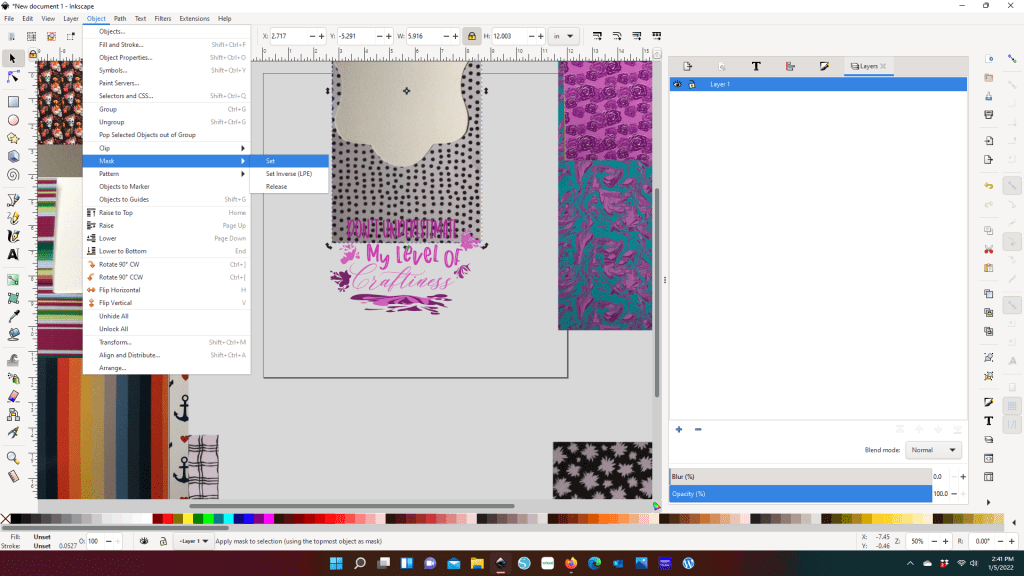
I knew right away that I wanted to use the polka dots for the first text line. With that Vinyl being the limitation to the design, I adjusted the SVG width to 6 inches. And now with the SVG able to fit on my Vinyl I set about selecting which prints I wanted to use.

Between you and me, I find matching two prints intimidating, let alone 4. But when I had all the vinyl imputed and saw the SVG with the dots and three prints I put on the right, I knew immediately I was going to throw caution to the wind and go all in on print. Yes, this solids girl is going print.

Step 6: Mask your print on your text/elements

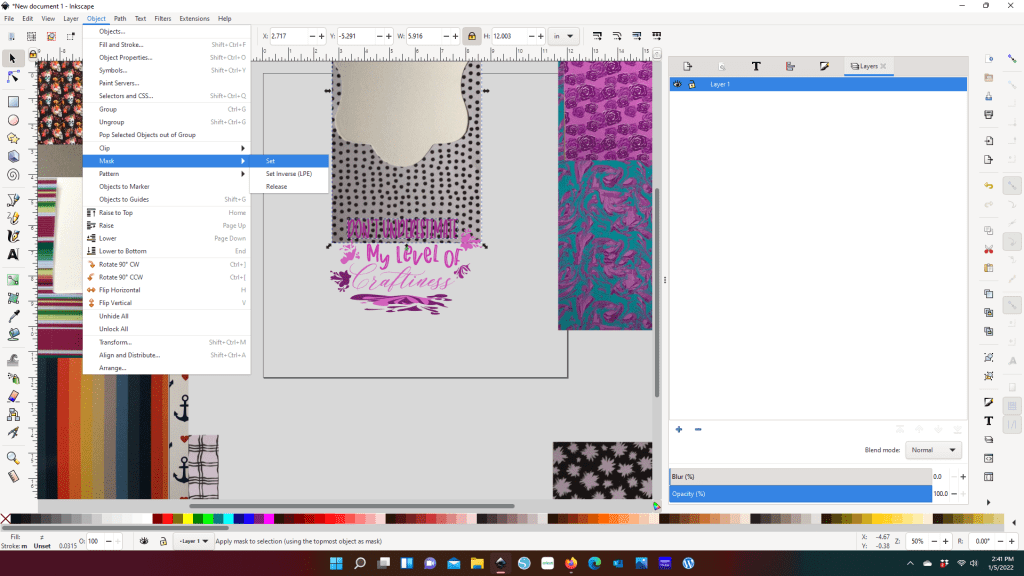
To Mask, you want to want to select your vinyl image and the text/element you want to attach the design to. If there is more than one text or element you want to use with a particular print, you will need to make copies of the print. Because once you make the mask, the vinyl image is going to disappear.

If you add the mask and you either don’t like it (color, design, etc.) or it’s not giving you the effect you want to create, you can drop the the mask by hitting Release.

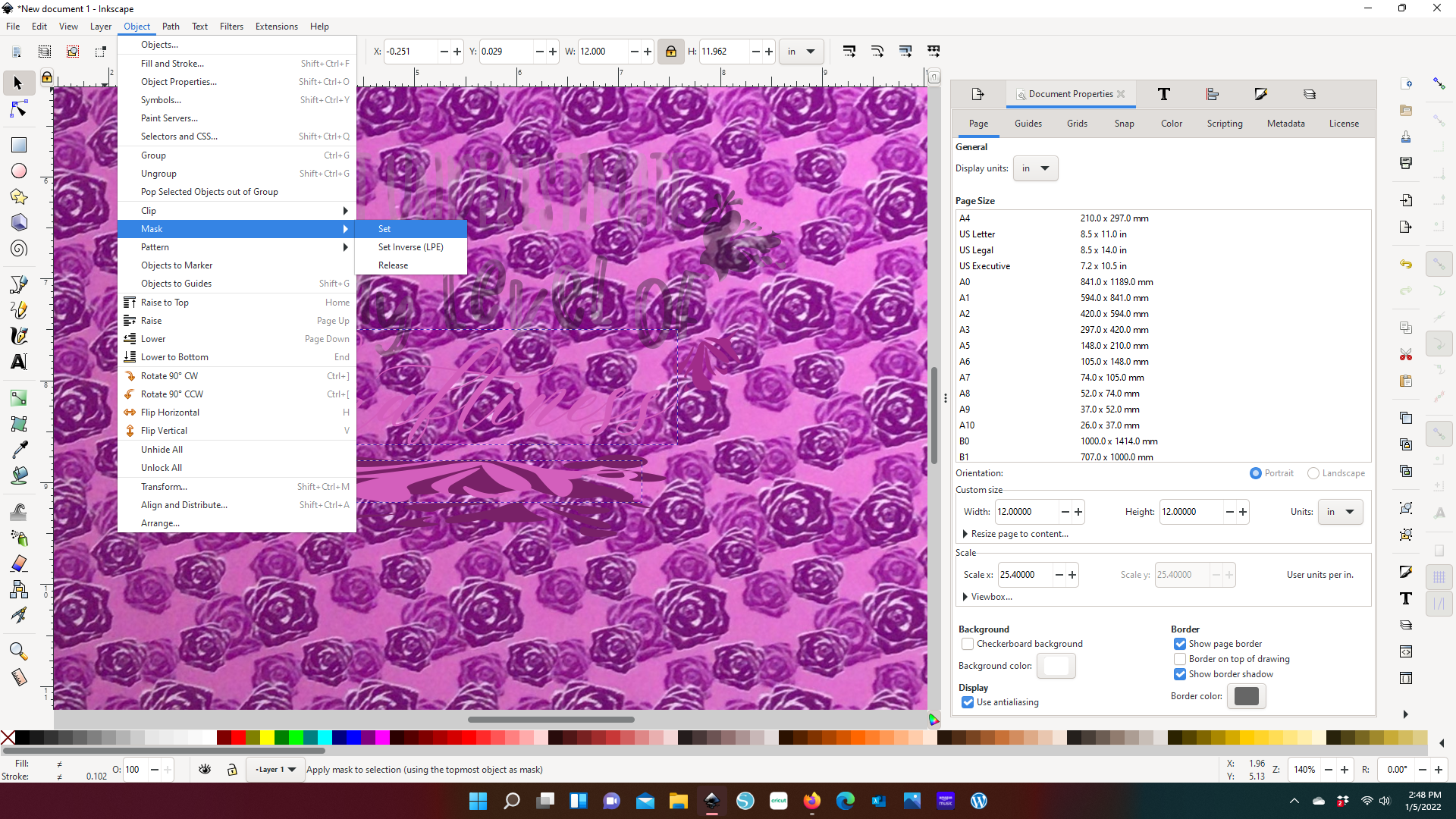
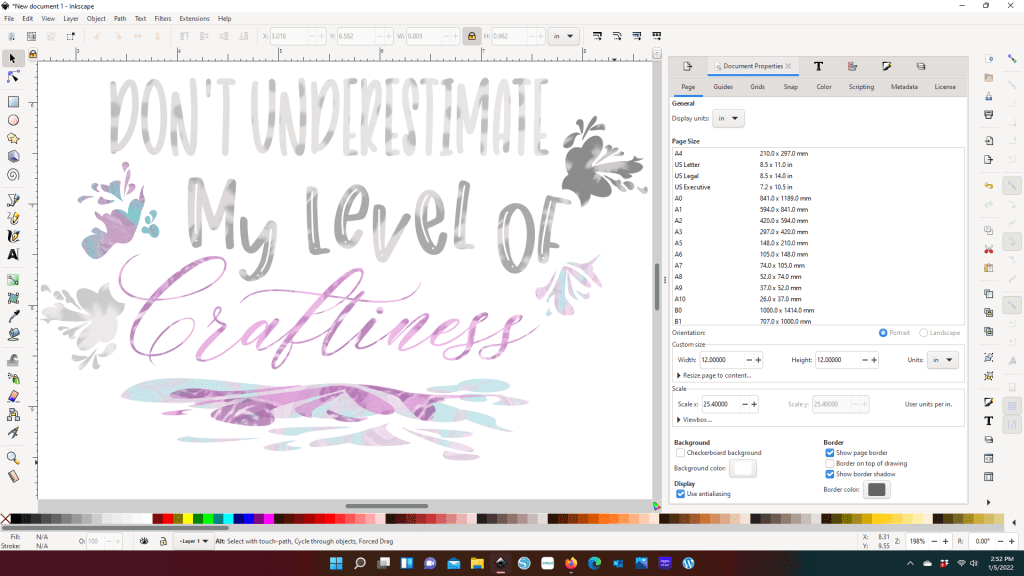
You will notice that the vivid vinyl image is muted. I don’t have the exact reason why this happens. However I have the suspicion that it has to do with the pixels of the image I brought in. Since I’m only using this technique as an aid in helping to decide how I want to use print, the muted colors are only a slight inconvenience. I can see the print design and have enough color coming through to see that these prints will work with each other.

Complimenting your prints here, instead of just having your sheets next to each other, gives you a better idea of how your print is going to show up as a final product.

For example, look at “Craftiness” and the top splash layer below it. I chose to use the same purple roses print. The roses don’t come through at all in the text. However in the splash you can pick up about 4 roses. Even though that is the exact same vinyl, my project is going to show those two elements differently. I’m not a fan of this vinyl (yes, it was a what-am-I-going-to-do-with-this vinyl), but after I cut this project out, it’s probably my favorite part of the design.

Step 7: Import the original SVG into your cutting software

For right now my cutting machine uses Design Space, so that is the screen shot that you get for this shop. But no matter which software you use, you will still have the same step here. You’ll want resize your SVG to the size that you determined from your vinyl selection. Then you will ungroup the image and join the text/elements that will cut from the same vinyl. And before I go to cut, I always make sure that each vinyl has a different color

Finished project on a glavanized steel sign

Here’s my final product. And true to this SVG, this has been a full expression of craftiness. From past experience, galvanized steel looks barren if your vinyl takes up less than about 80% of your surface. And originally I had painted the steel a light grey that complimented all of the full size vinyl. However the dot and splat vinyl blended in too much with the grey. The texturized blue correction (that you see in the center) did not work either. So Take #3 included hand painting in a nature scene.

Art continues to amaze me because what started off with a stylized splatter design took on additional form by becoming hills or a low lying mountain through a forest clearing.

I want to hear from you!

What did you think of using this process? I also want to see what you’ve made and hear if it has increased your confidence in using different prints together.

Be sure to sign up for my Newsletter so you don’t miss out on future content!

Processing…
Success! You're on the list.